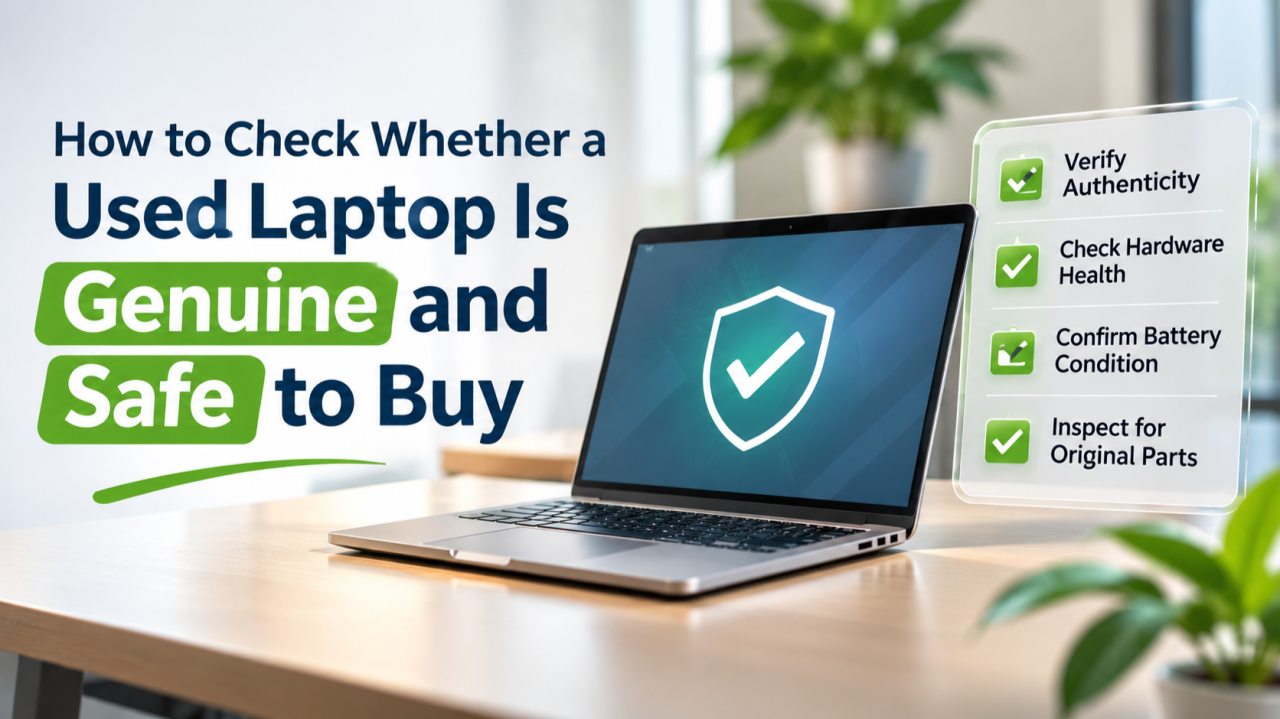
Purchasing a second-hand laptop can be a smart way to save expenses. The laptop may look brand new and be able to turn on properly, but may have hidden hardware defects, misleading functionalities, or restrictions on operations. You should check a laptop's identity and key components before you buy.
These checks are of major importance for businesses which acquire many laptops because undetected issues with machines may bring extra expenses or stoppage of work.
1. Verify the Laptop's Serial Number and Model
Ensure the laptop's brand, model, and serial number are examined first. Usually, these specifications can be found printed somewhere on the computer or through BIOS/UEFI settings.
Next, go to the manufacturer's support website and input the serial number to confirm the device specifications. Ensure the processor, RAM, storage space, and model specifications are consistent with the characteristics stated by the seller.
If there is a discrepancy, demand more information from the seller. In case of an upgrade, the seller has the responsibility to explain the modifications.
2. Inspect the Hardware Carefully
Check whether there are any flickering pixels, dead pixels, and weird lines on these devices. Also, examine the parts of the device including the keyboard, touchpad, hinges, charging port, USB ports, webcam, speakers, and Wi-Fi connections. You must also check whether there are any loose hinges, broken screws, heating issues, and weird sounds from the devices' fans.
Businesses may try out one model of laptop before purchasing all the necessary devices and make sure that they will be getting what they paid for. Taking into account the laptop service rental provider in Begumpet can help find different options available either in purchasing or renting the devices.
3. Check Battery and Storage Health
Battery and storage efficiency affects the usability of a laptop.
To generate a detailed battery report on Windows operating systems,
type the command
powercfg /batteryreport in Command Prompt. You will
be able to compare design capacity to current full capacity to
determine the degree of capacity loss.
You may also use a reputable diagnostic tool to verify if the SSD or hard drive provides any distress signals. For instance, multiple distress signals, random slowness, or unusual mechanical noises may indicate a deeper issue.
Taking these measures will allow you to evaluate possible repair costs immediately before making a purchase decision.
4. Confirm Ownership and Security Status
It is advisable to request an invoice or any other appropriate documentation proving your ownership in the case of an unknown seller.
When buying the laptop, check whether it still retains access to the device management system of a previous organization, has a BIOS password in place, or is otherwise restricted by an active account that cannot be removed by the seller. Such issues can hinder normal use of the machine.
Thus, the seller must prove the possibility of using the laptop after it has been reset and properly configured.
If there are any doubts about the ownership or technical restrictions, it is better not to proceed with the purchase.
5. Verify Software and Warranty Information
Verify your Windows activation status and ensure that your device is eligible to receive security updates. It is also essential to check the operating system and software licenses, rather than just accepting that the items that arrive with your machine must be legal.
Always ask if any manufacturer warranty is in place and make sure you are aware of the seller's returns and exchange policies before making payments. When buying more than one item, ask for written terms, so that you know what will happen in case the unit fails after it has been delivered.
6. Calculate the Total Cost Before Buying
The expense of the purchase price is only a part of the equation. A used laptop could involve replacement batteries, memory upgrades, storage upgrades, repairs, or configuring the device.
For example, a business buying 20 used laptops has to take into consideration the full cost of the machines as well as their upgrades, setup, and possible repairs. Another factor to take into account is how long they will be used.
For example, in case the need is temporary (for instance, for a project, training session or event), it can be useful to justify the purchase price by comparing it to rental prices for bulk rental deals. A laptop service rental company from Begumpet might be an option in case the equipment is required only for a certain period.
Conclusion
Checking a used laptop involves more than examining its appearance. Verifying its serial number, specifications, ownership, software status, battery, and storage can help you identify potential risks before purchasing.
For businesses with temporary equipment requirements, Laptops India offers bulk laptop rental solutions based on quantity, configuration, and rental duration. Working with a laptop service rental provider in Begumpet may help businesses avoid purchasing equipment that could remain unused after a project ends.
Contact Laptops India at 9848145951 to discuss your bulk laptop rental requirements and explore suitable arrangements with a laptop service rental provider in Begumpet.
Frequently Asked Questions (FAQs)
1. How can I check whether a used laptop is genuine?
Check the serial number on the manufacturer's official website and verify that the model and specifications match the seller's description.
2. How do I check the battery health of a used laptop?
On Windows, run powercfg /batteryreport in Command
Prompt to compare the battery's original capacity with its current
full-charge capacity.
3. What should I inspect before buying a used laptop?
Check the screen, keyboard, ports, battery, storage health, operating system, and overall physical condition. Also verify ownership and any remaining warranty.
4. Is it safe to buy a used laptop for business purposes?
Yes, provided you verify its specifications, ownership, security status, and hardware condition. For bulk purchases, test a sample unit and confirm replacement terms before accepting the full batch.
5. Is bulk laptop rental an alternative to buying used laptops?
Yes. Businesses that need laptops for temporary projects, training, or events can consider bulk rental from Laptops India based on their required configurations, quantity, and rental duration. Call 9848145951 for details.




No comments yet. Be the first to comment.